

Higher ranking
Display best-selling products into your Product Showcase to get higher ranking.
Product Showcase is a tool that allows Gold Suppliers to boost your product listings so they appear at the top of the marketplace's search engine result pages.
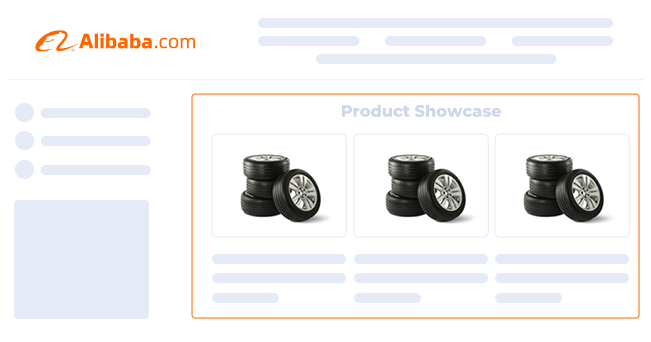
Advantages of using Product Showcase
There are several benefits of using Product Showcase on Alibaba.com. The top advantages include higher ranking, more exposure, and flexible listing management.
Display best-selling products into your Product Showcase to get higher ranking.
Items listed with Product Showcase tend to have more exposure to products that aren't boosted with this tool.
Product Showcase listings are easy to adjust and manage. This makes it great for sellers who need flexible marketing strategies.

Eligible sellers can set up and manage their Product Showcase in the “My Alibaba” dashboards with just a few clicks. Setting up your product showcases is quite easy, which makes it even more valuable as a selling tool.
Open the “Products” tab. You can find this in the menu on the right hand side of your “My Alibaba” dashboard.
Next, click the “Product Showcase” tab. This can be found under the “My Products” section of the “Products” menu.
Finally, click “Add products now,” and choose the items that you'd like to boost and promote with Product Showcase.
How to replace or remove Product Showcases
Managing your Product Showcases is quick and easy, and it can also be done in your “My Alibaba” dashboard. It only takes a couple of clicks to replace or remove your current showcases to make room for new ones.
Swapping out your products is as easy as dragging and dropping the items into the windows under the “Product Showcase” tab.
Each product in the panel in the Product Showcase manager has a “Remove” button. Simply click the button to remove it.


Product Showcase is a valuable tool. Sellers can maximize the impact of this tool by applying a few useful practices related to strategy and optimization. Each practice is different, but they all tie into creating more attractive listings.
Showcase products that your buyers will love. Highlight top sellers, trending items, and new offers for better results.
If you want your products to catch the eyes of potential buyers, it is important to use attractive, high-quality photos.
Leverage keyword data to choose the phrases and terms that your target audience is actively searching for.
It is important to keep your showcased products fresh and relevant. Change your Showcases regularly to stay with the trends.